All Dubai areas · Homes and businesses · On-site, 24/7+971 55 209 9785
Home / Services / Braun Coffee Repair

Braun Coffee Machine Repair in Dubai: Drip Coffee Makers, Descaling, Cleaning and Grinders

Same-day Braun coffee maker and grinder repair in Dubai. KF PurEase, BrewSense, MultiServe, KSM 2. Descaling help, error codes, leaks. Genuine parts, 1-month warranty.

Reviewed by Abdul Suboor, Lead Engineer at One Click Dubai, 18 years of experience

Same day service at your home or officeAED 100 diagnostic visit, plus VATGenuine parts, 1-month warranty
One Click Dubai technician repairing a Braun drip coffee maker

Overview

The Braun coffee products we are called to in Dubai homes are drip filter coffee makers and small blade grinders. They have few parts, and a new basic one costs little, so the first question is often whether a repair is worth it.

This page answers that question honestly, and then covers what actually goes wrong on a Braun: a coffee maker that brews slowly, gives lukewarm coffee, overflows, shows an error or keeps asking to be descaled, and a grinder that stops grinding. We worked from Braun's own descaling page and from the KF 3100, KF 7150, KF 9050 and KF 901 manuals, and from the KSM 2 grinder manual as far as it loaded.

If a Braun is worth repairing, our technicians come to your home or office in Dubai, usually the same day, tell you the fault and the price before they fit a part, and repair on site wherever the machine allows.

Braun coffee machine repair in Dubai: what we fix and what it costs

The visit costs AED 100 plus 5% VAT and pays for finding the fault. Most Braun repairs that go ahead cost between AED 80 and AED 400, depending on the part. You agree the figure first.

Same-day visits in most cases. Give the model number from the base or the underside and the symptom.
Genuine parts where they are available, quoted with the labour.
One month of cover on the part and the work.
Workshop pickup for a repair that cannot be done at your counter. We try on site first.

A plain drip coffee maker can cost less than the visit and the repair together. We would rather say that when you message us than after the visit, so the table below shows where a repair makes sense.

Braun applianceFaultIs repair usually sensible?
Drip coffee maker with a clock and AUTO ON, or a larger modelSlow brewing, error code, heater or pump faultOften yes, if the quote is well under the price of a new one
Basic drip coffee makerCalcified, brewing slowlyTry Braun's descaling first. A repair is rarely worth it if the heating part has failed
Drip coffee makerLukewarm coffeeCheck the simple causes in the table below first. A heating fault needs a technician
Coffee grinderDoes not start, slows down, smells hotDepends on the fault and the grinder
Any BraunCracked housing, water inside the base, burnt smellSwitch off and unplug. Do not use it. Ask us

If your Braun is a basic model and the fault is a worn-out heater, we say so and you pay the visit fee only.

Which Braun do you have?

Braun household coffee products come in a few families. The model number is printed on the base or the underside, and it decides which manual applies.

Family or modelWhat it isManuals covered on this page
KF 3100 (PurEase)Drip coffee maker with a paper filter basket and a keep-warm plateTroubleshooting table: power, brewing, overflow, heat, grounds
KF 7150 (BrewSense) and KF 700012-cup drip coffee makers with a CLEAN light and a descaling programmeDescaling and cleaning pages
KF 7370A model with its own button sequence for descalingBraun's descaling page, where the KF 7370 has separate steps
KF 9050 and KF 901 (MultiServe)Drip coffee makers with a display, a clock, AUTO ON and a leverTroubleshooting tables, including error codes on the KF 9050
KSM 2 (Aromatic coffee grinder)Blade coffee grinder with a transparent lidA page of the manual with grinding times and safety rules.
Other Braun coffee makers and grindersOlder and newer modelsSend the model number

The families differ in their buttons and lights, which is why we ask for the model before we say anything about a specific light.

Who looks after your Braun in the UAE?

De'Longhi has held the licence for Braun household appliances since 2012. Its press release says it bought a perpetual right to use the Braun brand in small kitchen appliances, ironing and selected household categories from Procter & Gamble, which still owns the brand. We are an independent technician and not an authorised service partner of Braun.

Your machineWho to call first
New and within the warrantyThe seller, with the receipt. Read the warranty card
Out of warrantyUs
A gift or an import with no receiptUs. Send the model number and a photo of the base
Bought abroadCheck the voltage and the plug (see the voltage section), then us

We are independent. We do not speak for Braun or De'Longhi, and our repair does not extend a warranty.

Descaling a Braun coffee maker: Braun's own procedure

Braun's descaling page covers its filter coffee makers, and it is the page most people searching for how to descale a Braun coffee maker are looking for. Braun's steps are below. They apply to all models except the KF 7370.

Descale when the CLEAN light shows solid green. How often depends on your tap water hardness and on how much you use the machine, and Braun gives no fixed interval.
Use a commercially available descaling agent that is safe for aluminium. Braun recommends its own Braun Descaling Solution. Follow the package instructions. Braun's page gives no quantities.
You need a clean empty carafe and about 45 minutes. Braun says the whole cycle, including rinsing, can take up to 45 minutes.
1
Remove the filters

Take out the charcoal water filter holder with the charcoal filter, and the gold-tone permanent filter.

2
Prepare the descaler

Mix it according to its package instructions.

3
Position the carafe

Put the empty carafe on the keep-warm plate.

4
Press CLEAN

The green light flashes.

5
Press BREW while it flashes

This starts the descaling programme.

6
Wait

The green light turns off when the programme is finished.

7
Discard and rinse

Pour away the solution and rinse the carafe thoroughly.

8
Rinse the machine

Fill the reservoir with a full carafe of fresh cold water and run two complete brews, each with fresh water.

Braun's page adds that once the descaling programme has started it cannot be stopped until it finishes, and that you should repeat the procedure as needed until the brewing time per cup returns to normal.

The KF 7370

The KF 7370 has a slightly different start. You press the On/Off button, press CLEAN, and press BREW while it is still flashing. You wait for BREW and CLEAN to turn off before you discard the solution and rinse. Use the manual for your model.

What about vinegar?

Braun's page does not mention vinegar. It says to use a descaling agent that is safe for aluminium. A home-advice website suggests half white vinegar and half water, left to sit for about an hour, followed by three clean rinses. That advice is from a home-advice site and not from Braun, and we do not recommend it as a substitute for what the manual says. If your machine has a CLEAN light and a descaling programme, use the programme.

For the general method behind descaling any coffee machine, see our guide to descaling a coffee machine.

Cleaning a Braun coffee maker: the routine in the manual

The KF 7150 manual gives a plain routine. Your own model's manual is the authority.

1
Unplug and switch off

Always before cleaning.

2
Empty it

Discard the used grounds and the gold-tone filter, then take out the carafe and pour away any remaining coffee.

3
Wash the parts

The filter basket, the gold-tone filter, the carafe and the lid can be washed in warm soapy water and rinsed, or put on the upper rack of the dishwasher. Dry them after use.

4
Wipe the base

Use a clean damp cloth, then dry it before you store the machine.

5
Wipe under the filter basket

A damp cloth. Do not pour water into the unit once the basket is out.

6
Mark on the housing

Soap and water or a non-abrasive cleaner for fingerprints.

What the manual says not to do

Do not immerse the unit in water or any other liquid.
Do not use scouring agents or harsh cleansers on any part.
Do not dry the inside of the water reservoir with a cloth, because lint may remain.
Use either the paper filter or the gold-tone permanent filter, never both at the same time (KF 9050).

A drip coffee maker that is washed regularly and descaled when its light comes on seldom needs a technician. The troubleshooting below covers what is left.

Braun KF 3100 (PurEase) troubleshooting

The KF 3100 manual's troubleshooting table is below, in plain English.

ProblemCause in the manualSolution in the manual
The ON/OFF button does not lightUnit unplugged, power cut, or the button not pressedPlug in, wait for power, press ON/OFF
Coffee does not brewNo power, no water, no coffee in the basket, or the basket not closed properlyFix the power, fill the reservoir, add coffee, close the basket
Brewing takes too longCoffee ground too finelyUse coffee ground for drip makers
The machine is calcifiedMineral build-upDecalcify it
Only water comes throughNo coffee in the basketAdd coffee
The filter basket overflowsToo many groundsReplace the paper filter and restart with no more than 10 scoops or tablespoons
Coffee is not hotCarafe not centred on the keep-warm plate, no lid on the carafe, carafe removed for more than 20 seconds during brewing, or the 40-minute automatic shut-off has operatedCentre the carafe under the basket, put the lid on, return the carafe promptly
Grounds in the carafeWrong paper filter size, filter not inserted correctly, or filter collapsedUse a number 4 paper filter, rinse the basket, seat the filter correctly and restart
Fewer cups than the water you put inGrounds absorb water and some evaporates during brewingNo fix is needed. The carafe marks show water capacity, not coffee yield

Three entries explain many complaints. The KF 3100 shuts itself off after 40 minutes, a carafe lifted out for more than 20 seconds during brewing lets the coffee cool, and the marks on the carafe show water, not coffee.

Braun KF 9050 and KF 901 (MultiServe): display messages and error codes

The KF 9050 manual lists error codes. The KF 901 manual lists display messages and does not use E codes. Both are from Braun's troubleshooting pages.

Display or symptomCause in the manualRemedy in the manual
No time shownUnit unpluggedPlug in
Display flashes 2:00 AM (12:00 AM on the KF 901)First use, or a power cutSet the clock
Cannot set or activate AUTO ONClock or AUTO ON time not set, unplugged, power cutSet the clock and AUTO ON, plug in, activate
Coffee does not brewLever not on Coffee, no brew mode, no water, standby, lid openSet the lever to Coffee, choose a brew mode, add water, close the lid
Only water brewsNo coffee in the basket, basket not seated, or the lever on Drip Stop (KF 901)Add coffee, seat the basket, move the lever to Coffee or Hot water
Coffee overflowsToo many or too fine grounds, both filter types used, a blocked lid, or a loose springUse the correct amount of drip-grind coffee, one filter type, clean the lid, reattach the spring
Grounds in the carafeCollapsed paper filter or grounds too fineReplace the filter, rinse the basket, use drip-grind coffee
On/Off button flashesLever on Drip Stop, or the lid is openMove the lever, or close the lid
Display shows LidWater reservoir cover openClose the lid
Water left in the reservoir after brewingNormalNone. The unit uses only the amount for the selected size
H2O at first use or while brewing (KF 901)Not enough water, or a reservoir faultRepeat the first-use steps or add water. If it persists, replace the reservoir, unplug and plug in, and contact Braun customer service
A number with no E, during descaling (KF 901)The unit is in descaling modeIt stays there until descaling finishes. Unplugging does not skip it

KF 9050 error codes

CodesWhat the manual says to do
E02, E05, E08, E09, E16, E18Unplug for 5 minutes, plug in, and descale. If the error persists, contact authorised Braun service
E03, E04, E06, E07, E10 to E15, E17, E19Unplug for 5 minutes, plug in and try again. If it recurs, contact authorised Braun service
E21A water issue. Fill the reservoir, switch off and on. If it stays, contact authorised Braun service

The manual does not name what each code means. It groups them by what to try. We read the board and the sensors when a code returns after the five-minute reset and the descale.

Coffee is slow, weak or lukewarm

Braun's own tables give the simple causes first.

Slow brewing. Braun's KF 3100 table lists coffee ground too finely. Its KF 7150 page says to repeat descaling until the brewing time per cup is back to normal.
Bitter coffee. the KF 901 table says to use one small scoop per cup, or change the amount to taste.
Lukewarm coffee. carafe not centred, lid not on, carafe removed too long, or the automatic shut-off has run. After those checks, a heating fault is possible.
Fewer cups than expected. grounds absorb water and some evaporates, so the carafe marks show water, not coffee.

If the machine has been descaled, the carafe is centred and covered, and the coffee is still cool or the brewing still slow, a technician finds out why. The heating element or its thermal protection may be at fault, and the same applies to a machine that heats and then cuts out.

The KSM 2 and other Braun coffee grinders

A Braun blade grinder is a motor, a blade, a transparent lid and a cable. The KSM 2 manual page gives grinding times and safety rules.

CupsBeansGrinding time
43 tablespoonsAbout 20 seconds
64 tablespoonsAbout 23 seconds
85 tablespoonsAbout 25 seconds
107 tablespoonsAbout 28 seconds
128 tablespoonsAbout 30 seconds
Maximum capacity is 60 grams of beans. Do not fill above the brim.
Do not grind for more than 30 seconds. Longer grinding heats the coffee and reduces the aroma without making it finer.
Check that your voltage matches the voltage printed on the top of the unit.
Never take the transparent lid off before the blades have stopped turning.
Do not hold the motor part under running water or immerse it.
Repairs must be done by authorised service personnel, and only an authorised Braun service centre may replace the cord, because it takes a special tool.

Braun coffee grinder repair

The manual page tells owners to use authorised service for repairs. A grinder that has gone out of warranty and is a simple model costs little new. We look at it, tell you what we find, and say if a new one is the better buy.

A grinder that does not start. we check the cable and the switch, with the unit unplugged.
A grinder that slows or stops. overload, a jammed blade or a motor problem. Do not exceed 30 seconds, and do not fill beyond the brim.
A hot smell. stop using it and unplug it.
A damaged cord. only an authorised service centre may replace it, according to the manual. We tell you whether we can do it before we take it apart.

A grinder is a low-cost appliance, and we say so when a new one makes more sense than a repair.

Ten minutes of checks before you book

Most of the entries in Braun's tables are checks, and most take a minute. Work down this list before you phone anyone.

1
Power

Is it plugged in, is the socket live, is the fuse in the plug sound? The KF 3100 table starts with an unplugged unit and a power cut.

2
Reservoir

Is it filled and seated? A KF 901 that shows H2O is asking for water or showing a reservoir fault.

3
Lid and basket

Is the filter basket closed? A KF 9050 showing Lid or a flashing On/Off button usually means the cover is open.

4
Filter

Paper filter seated, right size (the KF 3100 uses a number 4), not collapsed. Use either paper or the gold-tone filter, not both.

5
Coffee

Drip grind, no more than 10 scoops or tablespoons, and not packed into the basket.

6
Carafe

Centred under the basket, lid on, and not lifted out for more than 20 seconds while brewing.

7
Descaling

Is the CLEAN light solid green? Run Braun's programme.

8
Reset

On a KF 9050 with an E code, unplug for five minutes, plug in again and descale.

9
Clock

A flashing 2:00 AM or 12:00 AM means power was lost. Set the clock and AUTO ON again.

10
Write down what is left

The code, the light and what happened. That is what we ask for.

If every step is done and the fault is still there, book a visit.

Things that are normal on a Braun

Some calls are about behaviour the manuals call normal. None of these needs a repair.

Water left in the reservoir after brewing. The KF 9050 and KF 901 use only the amount for the selected size.
Fewer cups of coffee than the water you poured in. The grounds absorb water and some evaporates.
A flashing 2:00 AM or 12:00 AM after a power cut, or at first use.
A number without an E on the display while descaling (KF 901). The unit stays in descaling mode until it finishes, and unplugging does not skip it.
A KF 3100 that switches off about 40 minutes after brewing.
A programme that runs for a long time. Braun says descaling can take up to 45 minutes.

A KF 9050 that shows E codes, a machine that leaks, a burning smell or a cracked housing is not on that list.

Using the water filter and the descaler properly

Braun's descaling steps start with removing the charcoal water filter holder, the charcoal filter and the gold-tone permanent filter.
Refit the charcoal filter after descaling if you use one. Your manual gives how long a filter lasts.
Use only a descaler safe for aluminium, and follow its package instructions. Braun's page gives no quantities, because they depend on the product.
Rinse the carafe, then run two complete brews of fresh cold water. Taste the second one before you use the machine for coffee.
Do not try to stop the programme once it has started.

The KF 901 manual says a unit in descaling mode stays there until descaling finishes, and that unplugging it does not skip the process. If a power cut interrupts a descale and you are unsure what the machine is doing, message us before you run another cycle.

How we test a Braun after a repair

A coffee maker is not fixed until it makes coffee, so the test is a brew. These are the checks we run, matched to the features Braun's manuals describe.

A full brew of water into the carafe, timed, with the carafe centred, so we see the flow and the temperature of the water.
A look at the basket and the area below it for drips, because Braun's tables list overflow and grounds in the carafe as faults.
On a MultiServe, the clock, the AUTO ON setting, the Lid message and the lever positions.
On a KF 9050, a restart after the five-minute unplug the manual describes, to make sure no E code returns.
On a model with a descaling programme, a check that the CLEAN light and the programme behave as the manual says.
On a grinder, a short grind of a few beans inside the 30 second limit, with the lid on, and a check that the cord and plug are sound.

We tell you what we found, which part we changed and what the coffee maker should do now. If it was calcified, we show you the CLEAN light and how to run the programme next time.

Voltage, plugs and sockets

Dubai's supply is 230 volts at 50 hertz, and its wall sockets take the British three-pin plug. A Braun bought in Europe can have a different plug. The KSM 2 manual says to check that the voltage matches the voltage printed on top of the unit before use.

Read the rating plate. A 230 volt appliance with a European plug needs a proper adaptor, not a bent pin.
A 110 or 120 volt Braun from the United States must not be plugged into a 230 volt supply.
Do not use a damaged cord or plug. For the grinder, only an authorised service centre may change the cord.
A coffee maker draws a lot of power for a small appliance. Plug it directly into a wall socket and not into a multiway strip with other appliances on it.

If the coffee maker is dead and the plug, the socket and the fuse in the plug are fine, tell us the plug type and where you bought it.

Parts we fit on Braun coffee makers and grinders

PartWhat it doesSign of wear
Heating element and thermal protectionHeat the water and protect the unitNo heat, lukewarm coffee, cuts out
Water path, hoses and one-way valveMove water to the basketSlow brewing, no water, leaks
ValveControls the flow and the drip stopDripping when it should be closed, uneven flow
Switch, buttons and leverControl the unitLight not responding, flashing button
Control board and displayRun the programmesError codes that return, wrong display
Water reservoir and lidHold the waterCracks, leaks, H2O message
Carafe, lid and keep-warm plateHold and warm the coffeeCracked glass, a lid that does not fit, cold coffee
Charcoal filter holderHold the water filterCracks or a loose fit
Grinder motor and bladeGrind the beansNo grinding, slow grinding, smell of heat
Grinder switch and cablePower the grinderDoes not start, damaged cord

Parts are genuine. If a part is no longer available for an older model, we tell you before we quote.

What a Braun repair visit includes

We ask what the machine does, what the display or light shows and when it was last descaled.
We check the plug, the socket, the water reservoir and the basket first.
We run a brew and watch the water temperature and flow.
We open the machine and test the part the fault points to, with the power off.
You get one price before we fit anything.
After the repair we run a descale check if the machine is calcified, then a full brew, and we show you how the coffee comes out.
One month of cover applies.

If the repair costs more than the machine is worth, we say so, and you pay only for the visit.

Repair or replace a Braun?

Braun drip coffee makers are not expensive. Compare our quote with the price of a new one. Around half the price or more of a new one is the point at which to think about replacing it.

FaultOur usual adviceReason
Calcified, slow brewingDescale first, then repair if it stays slowBraun says to repeat the programme until the brewing time is normal
Lukewarm coffee from carafe or plate faultsFix the simple causeCheck the centring, lid and shut-off first
Error code that returnsRepair on a MultiServe, compare on a basic modelA board and sensors cost more than a basic coffee maker
Leaking from the baseRepair if the leak is a hose or the reservoirSmall parts
Dead heater on a basic modelCompare the quoteA new basic coffee maker may be cheaper
Grinder motor failureCompare the quoteSimple grinders are inexpensive
Cracked housing or burnt smellReplaceSafety

If replacement is the sounder choice, we say so when you message us or at the visit.

What to tell us when you book

The model number from the base, with a photo.
Whether it is a coffee maker or a grinder.
What the display or the lights show, and the code if there is one.
When it was last descaled, and with what.
Where you bought it and whether it is under warranty.

If you have tried anything from this page, say what, and we begin from there.

While you wait for the technician

If a Braun coffee maker leaks, smells hot or overflows, unplug it and let it cool. Pour out the carafe and the tank and remove the filter basket so the wet grounds do not sit in the machine.

Keep the base dry. Do not rinse anything that carries the plug, the switch or the display.
Note any code on the display, such as an E number on a KF 9050.
Tell us when you last descaled and what you used.

Braun repair near me: areas we cover

We repair Braun coffee makers and grinders in Dubai Marina, JBR, Palm Jumeirah, JLT, Downtown, Business Bay, Jumeirah, Al Barsha, Dubai Hills and Deira. Elsewhere, message us and we will say what is possible.

Frequently asked questions

How do I descale a Braun coffee maker?

Braun's page says to descale when the CLEAN light turns solid green, with a descaler that is safe for aluminium. Remove the filters, press CLEAN, then BREW while it flashes, wait for the light to go off, rinse the carafe, then run two full brews of fresh water.

How long does Braun descaling take?

Braun says the cycle, including rinsing, can take up to 45 minutes, and that it cannot be stopped once it has started.

Can I use vinegar to descale a Braun?

Braun's page does not mention vinegar and names an aluminium-safe descaler, and its own solution. Vinegar advice comes from home-advice sites. We recommend following the manual.

How do I clean a Braun coffee maker?

Unplug it, discard the grounds and the gold-tone filter, wash the basket, filter, carafe and lid in warm soapy water or on the dishwasher's top rack, and wipe the base with a damp cloth. Never immerse the unit.

Why is my Braun coffee not hot?

The KF 3100 manual lists a carafe not centred on the keep-warm plate, no lid on the carafe, the carafe removed for more than 20 seconds during brewing, and the 40-minute automatic shut-off.

Why is my Braun brewing slowly?

Coffee ground too finely is the first cause in the KF 3100 table, and mineral build-up is the second. Descale with Braun's programme and repeat until the brewing time is normal.

What do the E codes on a Braun KF 9050 mean?

The manual does not name them. For E02, E05, E08, E09, E16 and E18 it says to unplug for five minutes, plug in and descale. For the other codes it says to unplug for five minutes and try again. If a code persists, contact authorised service.

Why does my Braun overflow?

The manuals list too many grounds, grounds that are too fine, a misplaced or collapsed paper filter, using paper and gold-tone filters together, a blocked lid or a loose spring.

How long should I grind coffee in a Braun KSM 2?

The manual gives about 20 seconds for 3 tablespoons up to about 30 seconds for 8 tablespoons, and says never to grind for more than 30 seconds.

Who repairs Braun coffee makers in Dubai?

We do, at homes and offices, normally the same day: +971 55 209 9785. For a machine within its warranty, call the seller first.

How much does Braun repair cost?

The visit is AED 100 plus VAT, and most repairs that go ahead cost between AED 80 and AED 400. We tell you if a new machine is cheaper.

Is it worth repairing a Braun coffee maker?

For a MultiServe or a good model with a simple fault, usually yes. For a basic drip maker with a dead heater, compare the quote with the price of a new one.

Book a Braun coffee machine repair

Message us on WhatsApp at +971 55 209 9785. Give the model number, the symptom and any code on the display.
Our previous work

Photos from jobs we have done in homes and businesses across Dubai.

See all our work →
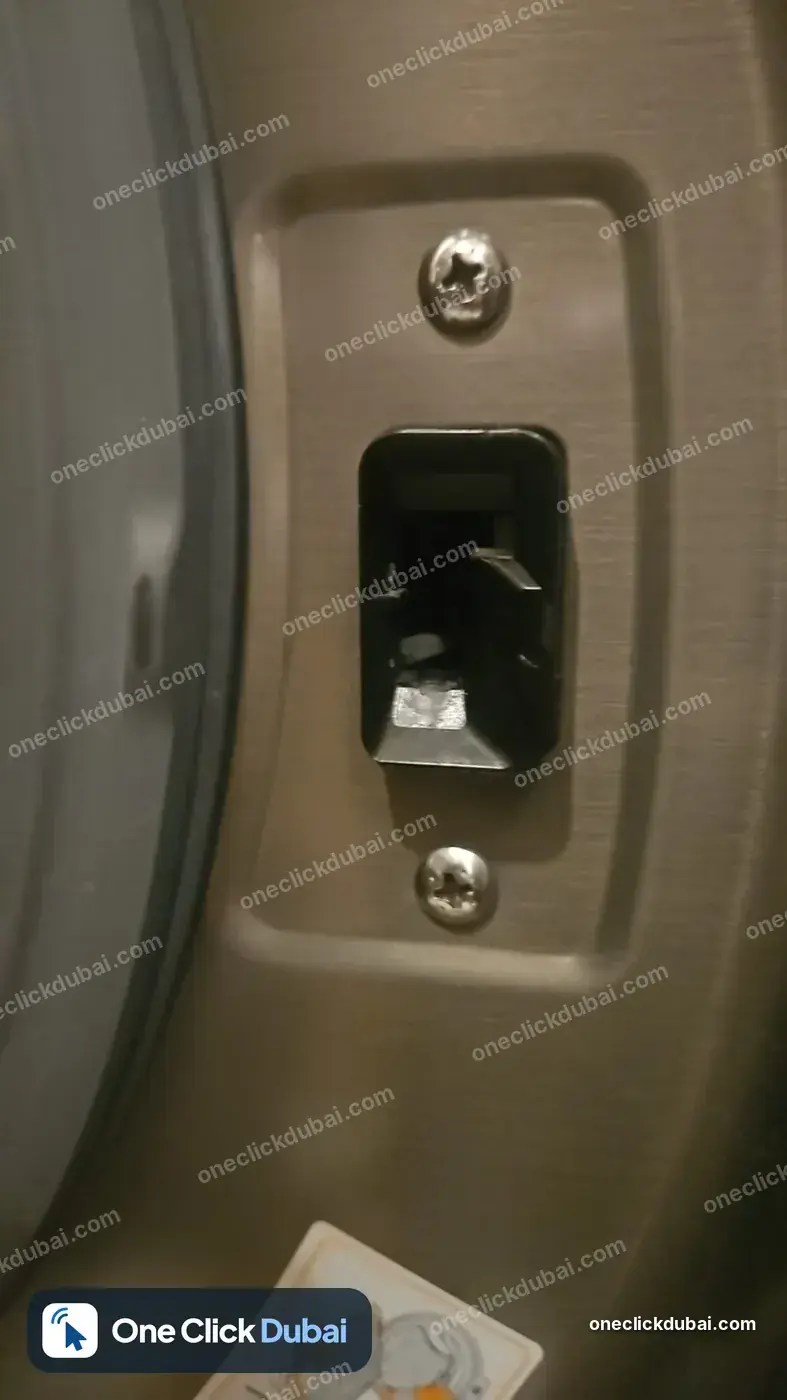
  • Door latch on a front-load washing machine
    Door latch on a front-load washing machine
  • Door lock housing on a washing machine
    Door lock housing on a washing machine
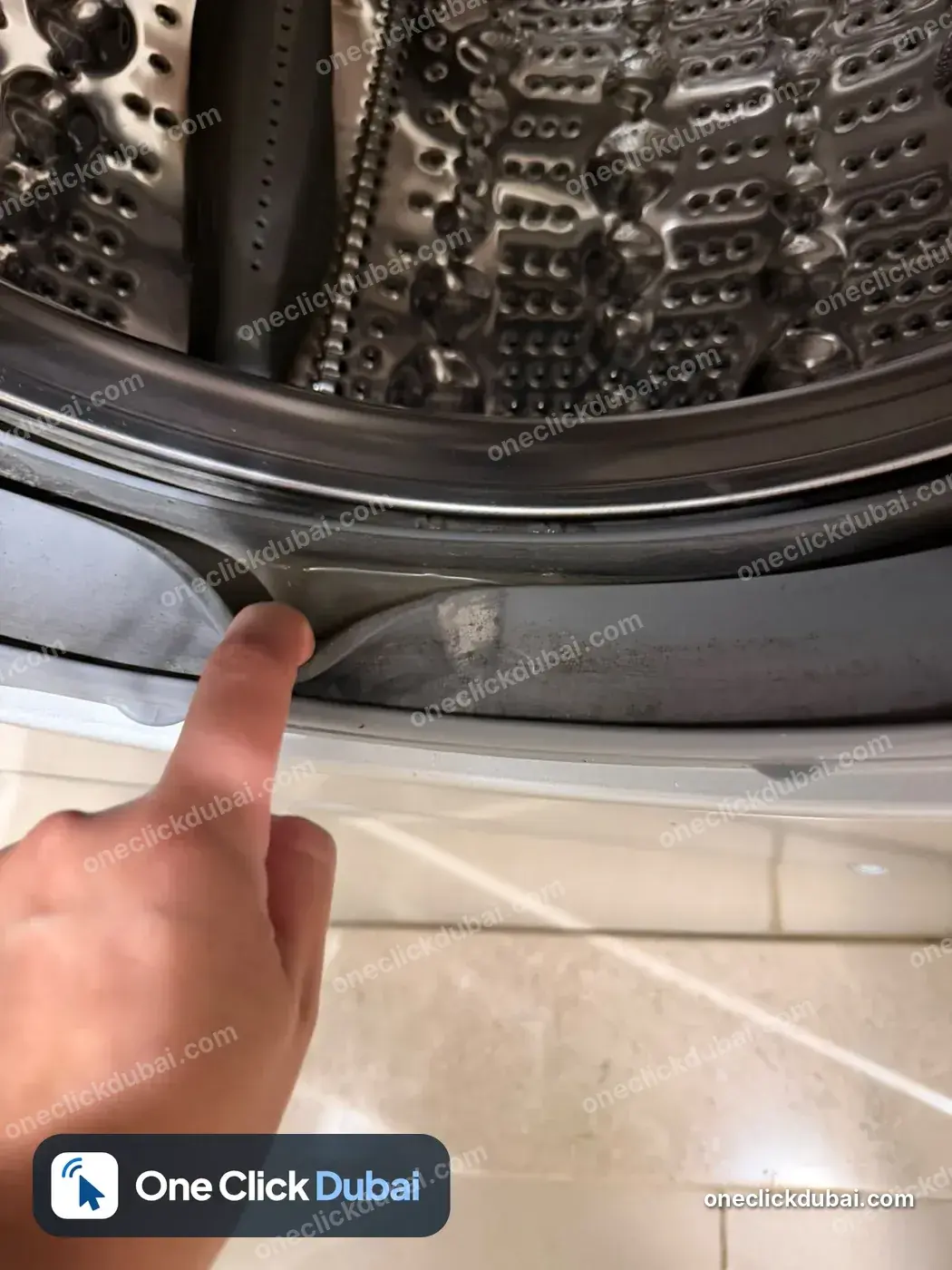
  • Inspecting the door gasket and drum edge
    Inspecting the door gasket and drum edge
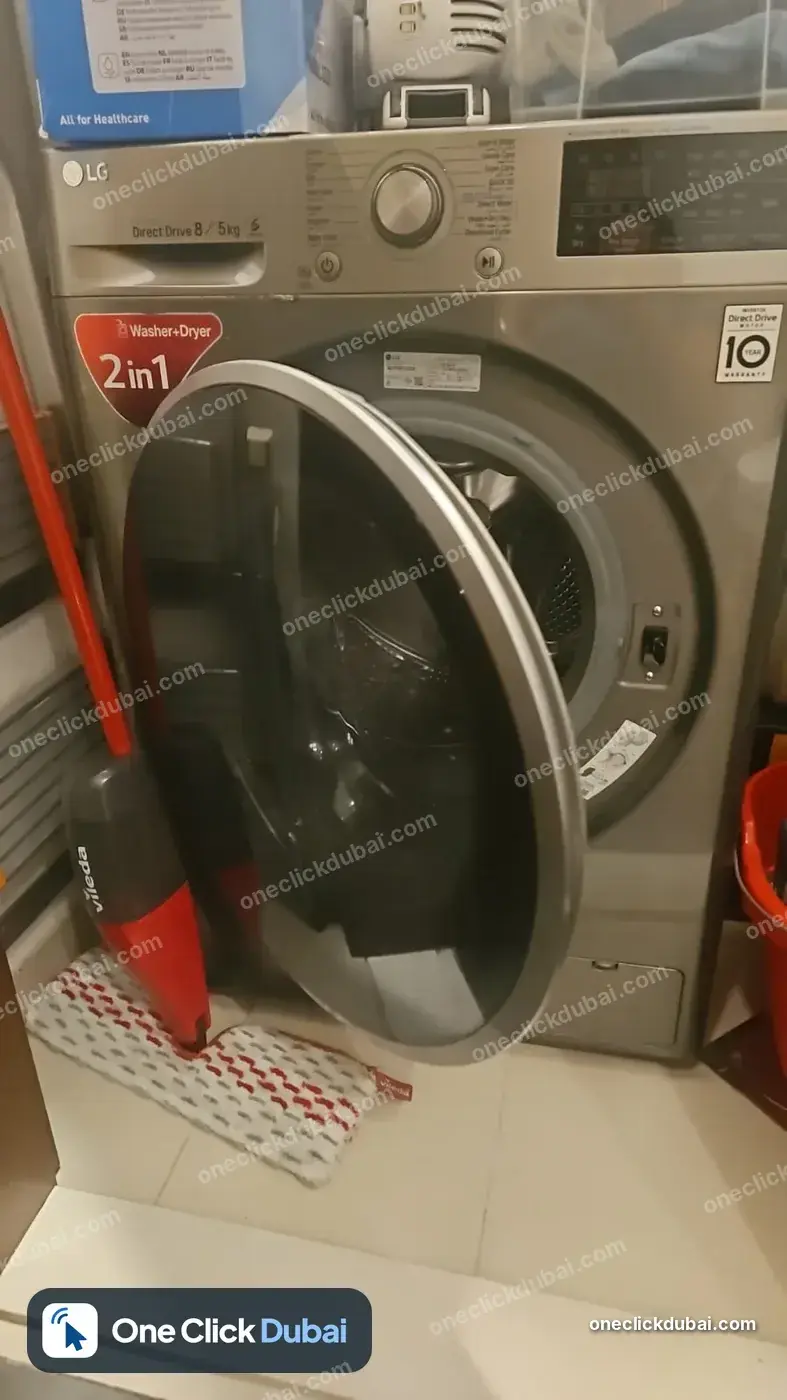
  • LG washer-dryer with the door open
    LG washer-dryer with the door open
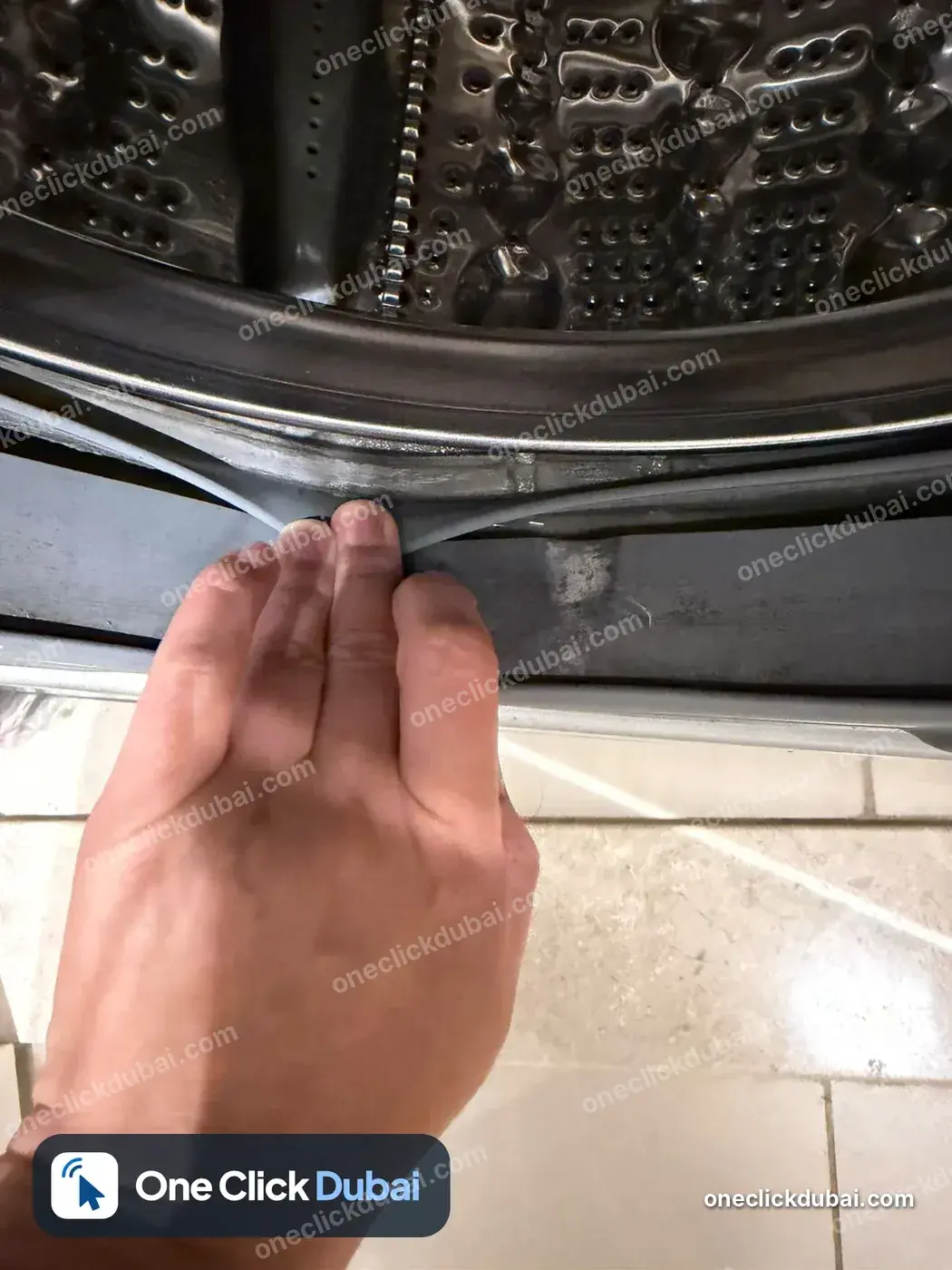
  • Checking the door seal of a front-load washing machine
    Checking the door seal of a front-load washing machine
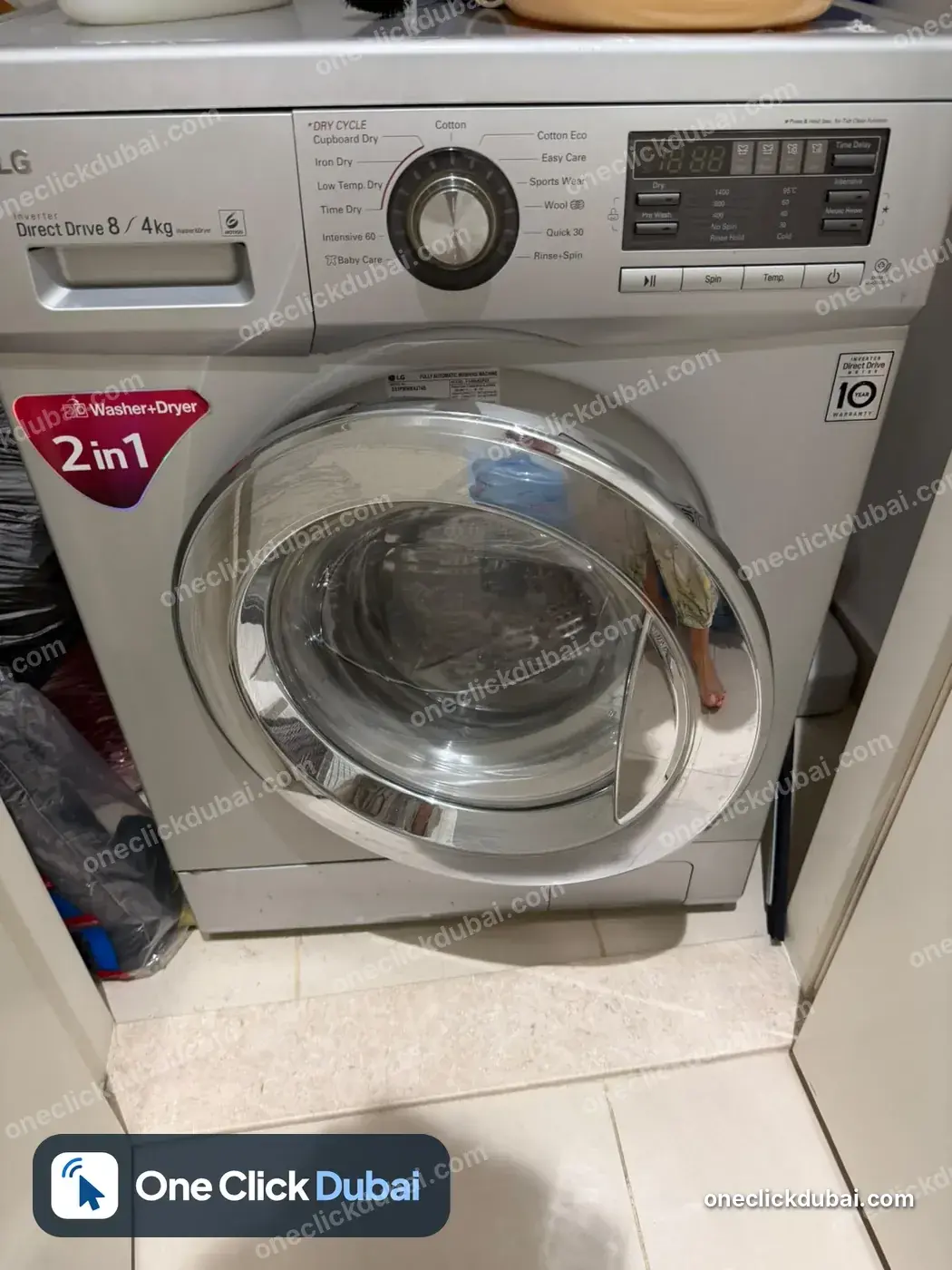
  • Front-load 2-in-1 washer-dryer in a utility cupboard
    Front-load 2-in-1 washer-dryer in a utility cupboard
  • Philips bagless vacuum cleaner
    Philips bagless vacuum cleaner
  • Washing machine display showing H20
    Washing machine display showing H20